

Built for services businessesThe operating system for services businesses
Run the whole company from one place.
Projects, people, payroll and conversations in one secure workspace — so nothing lives in a spreadsheet or a forgotten chat.
- 14 days free
- Up to 10 employees
- No card needed
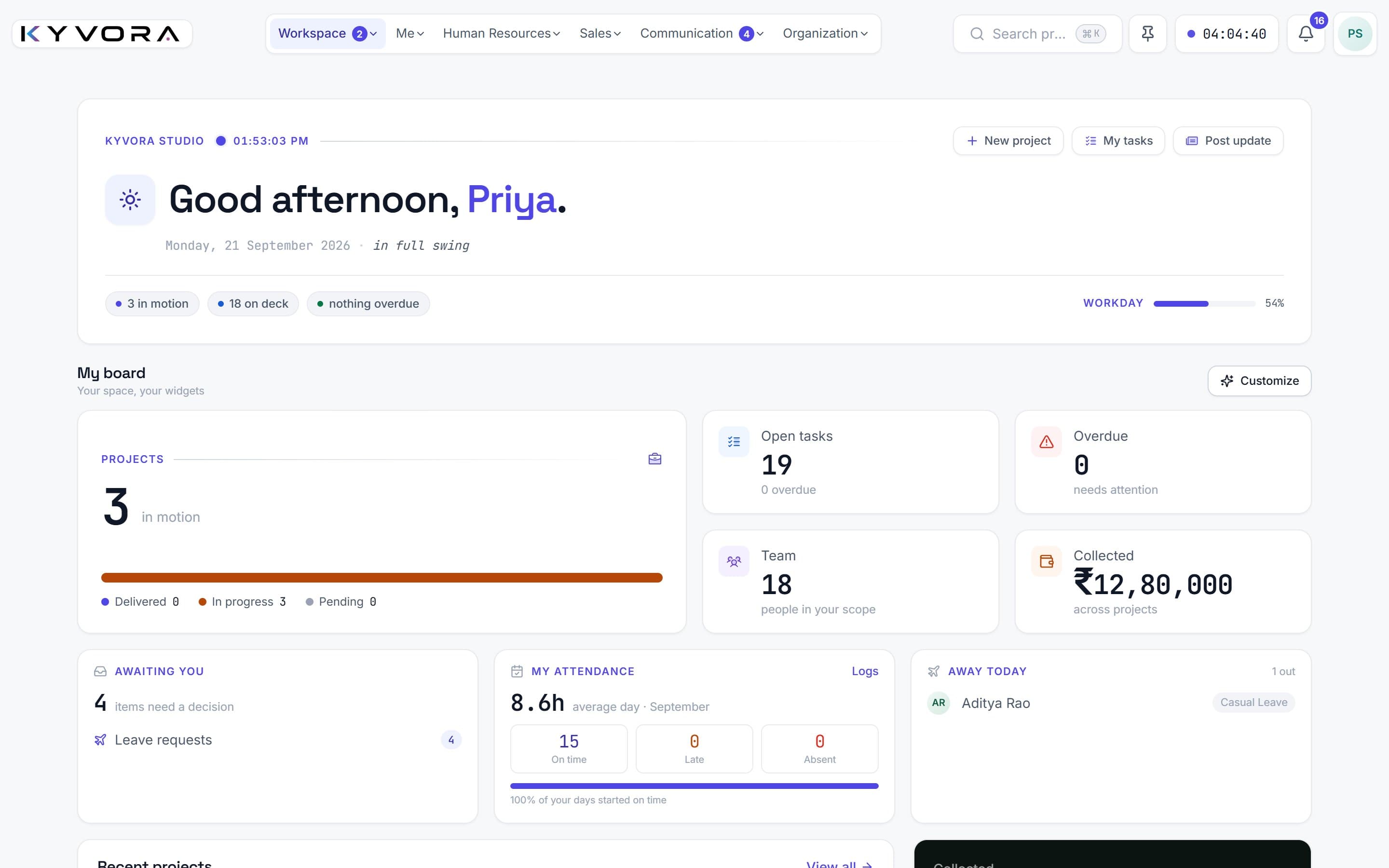
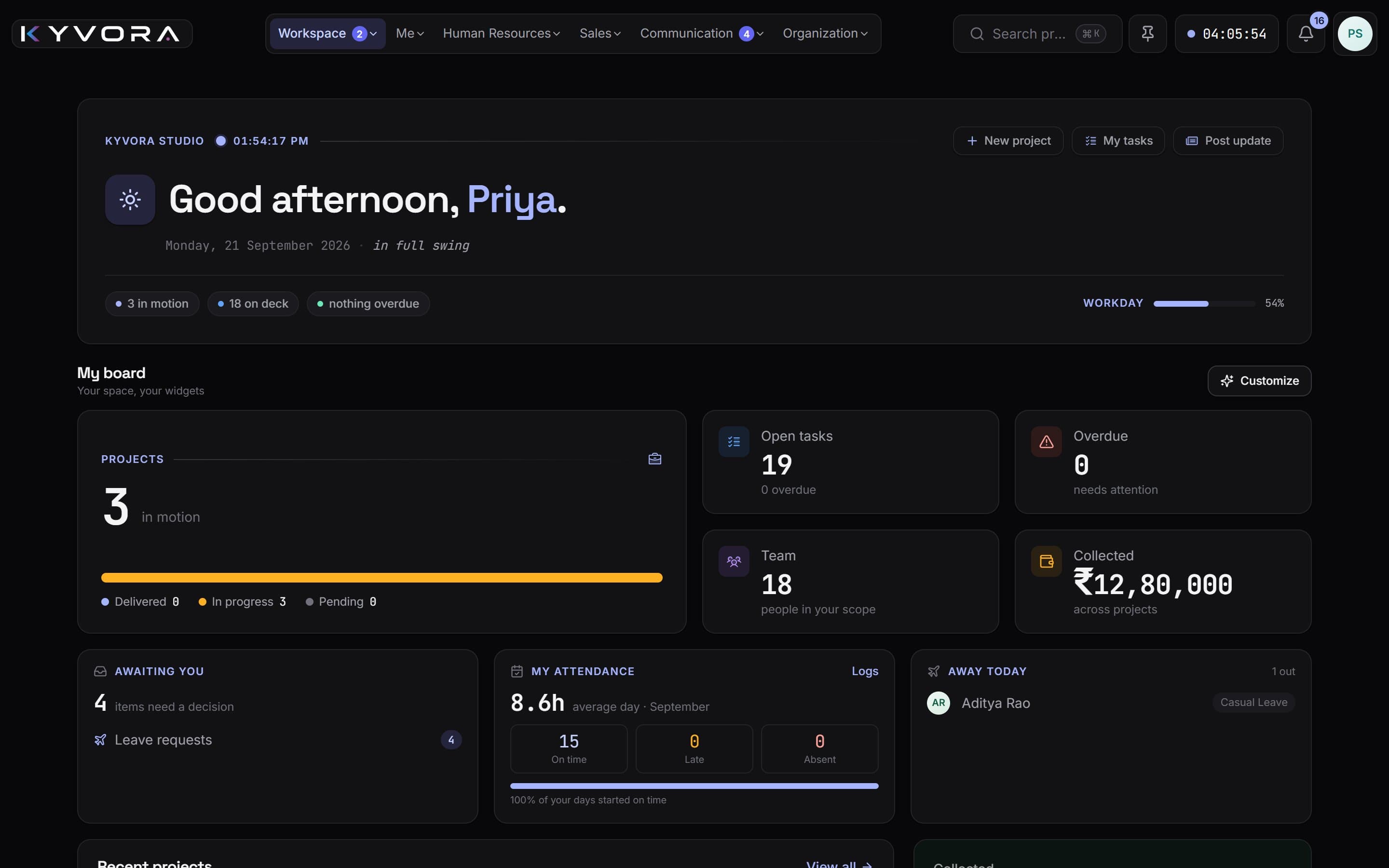
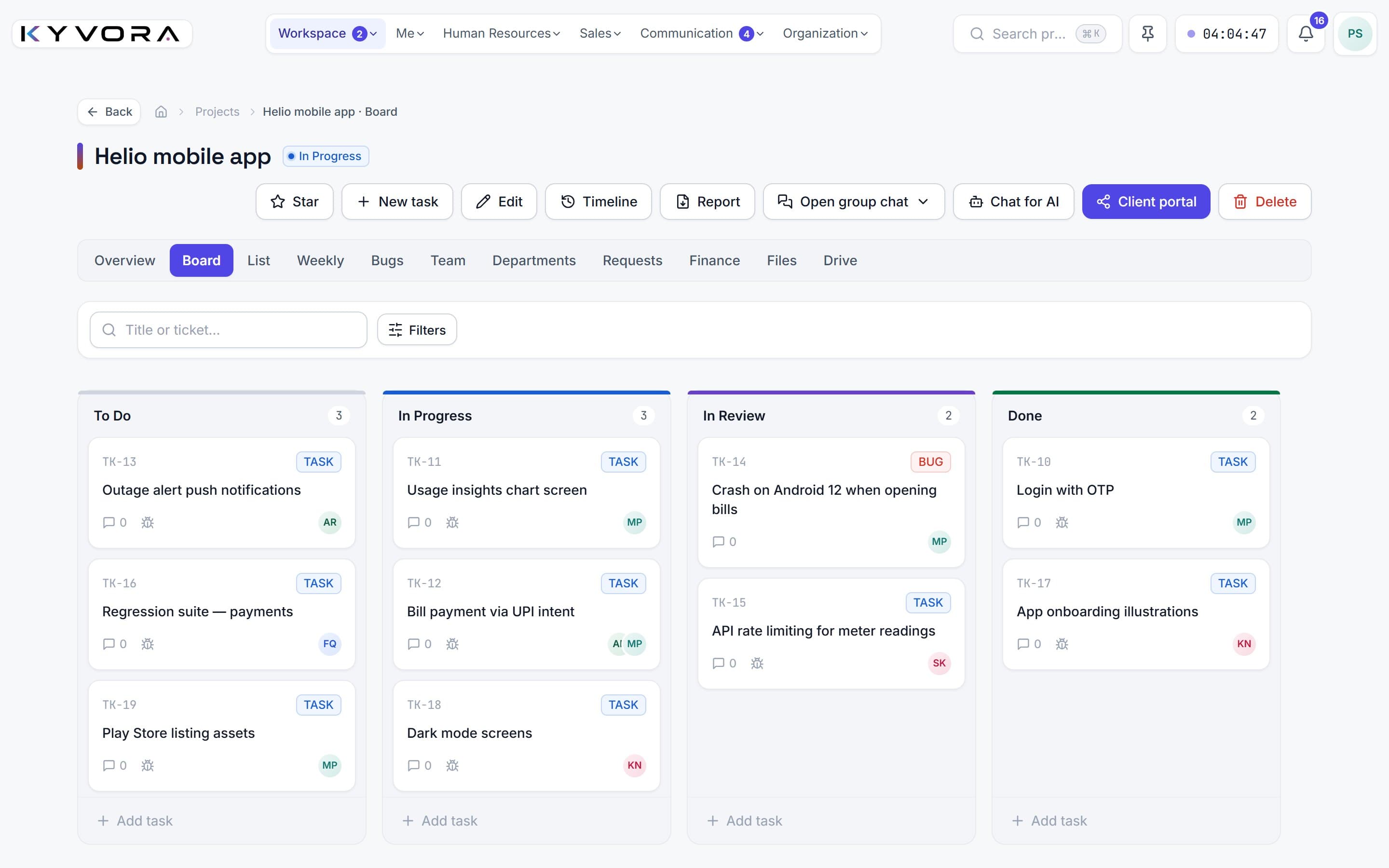
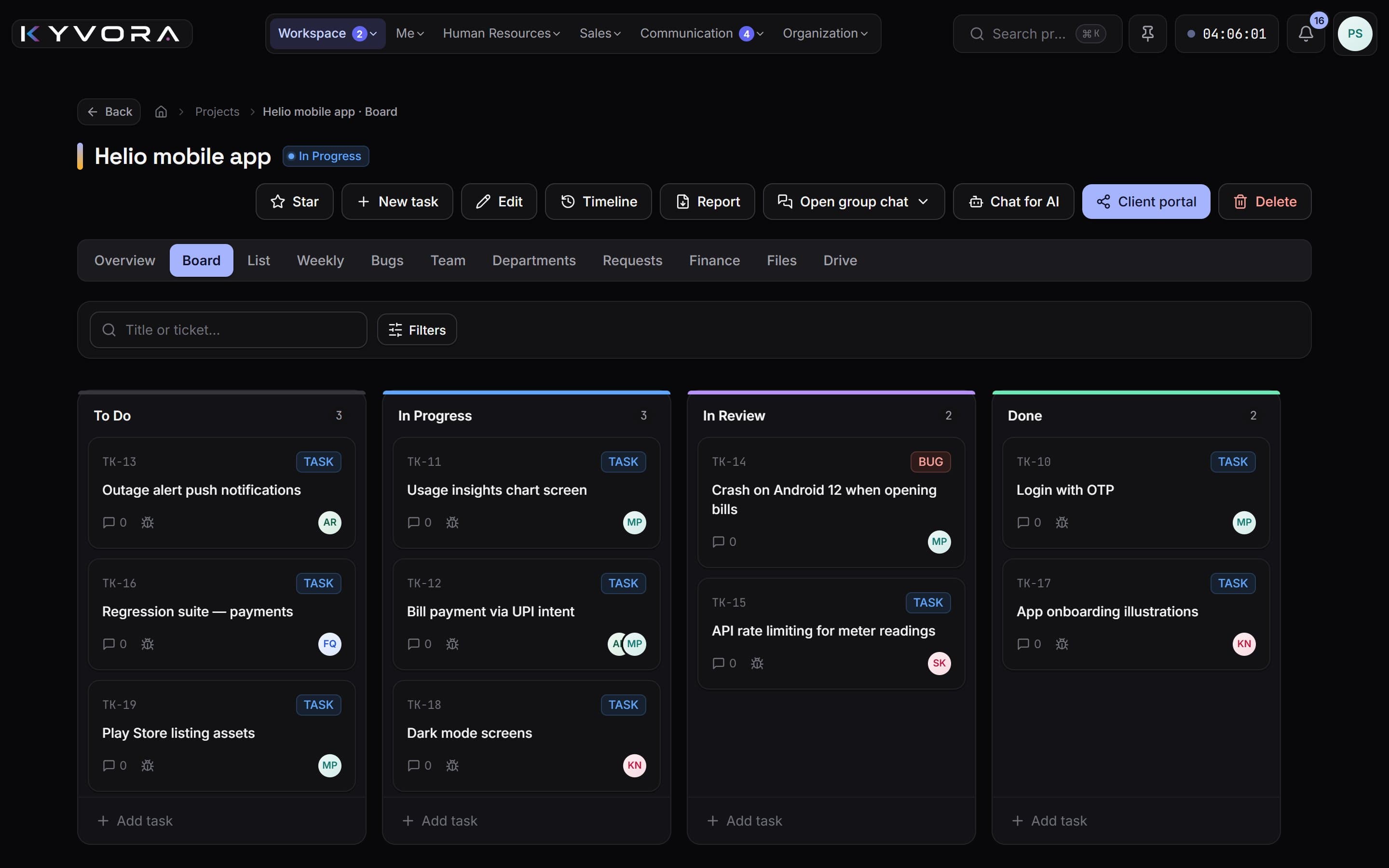
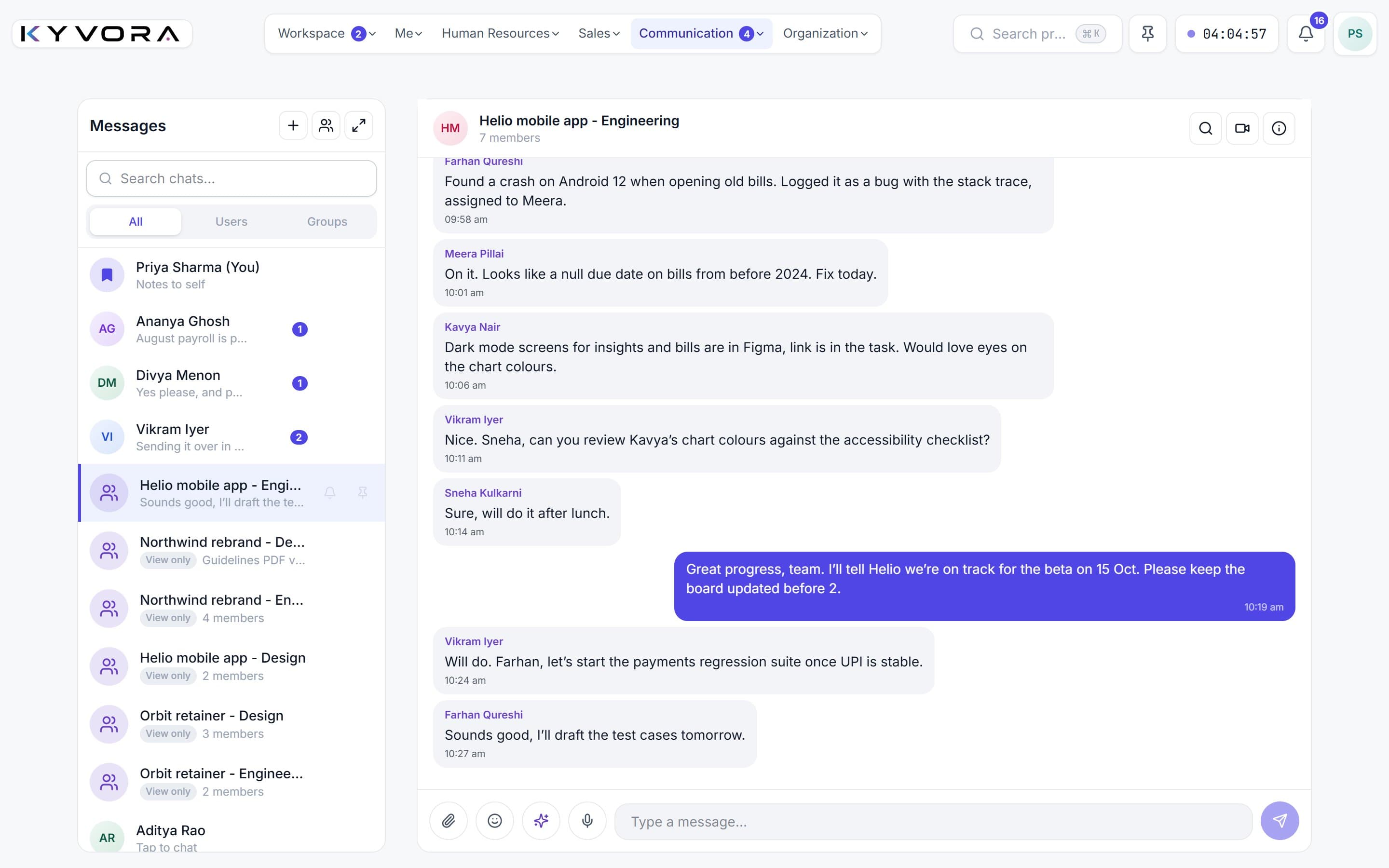
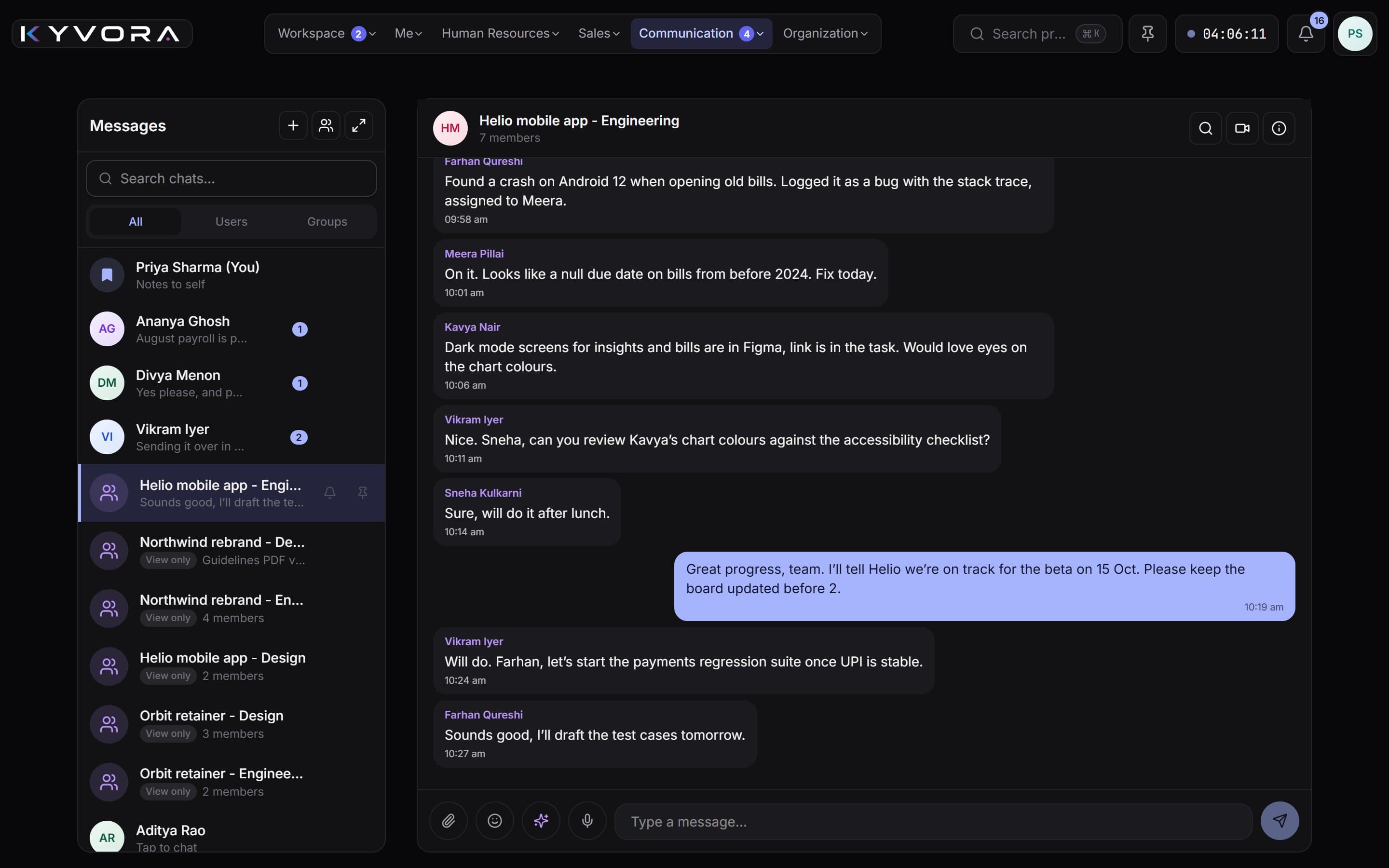
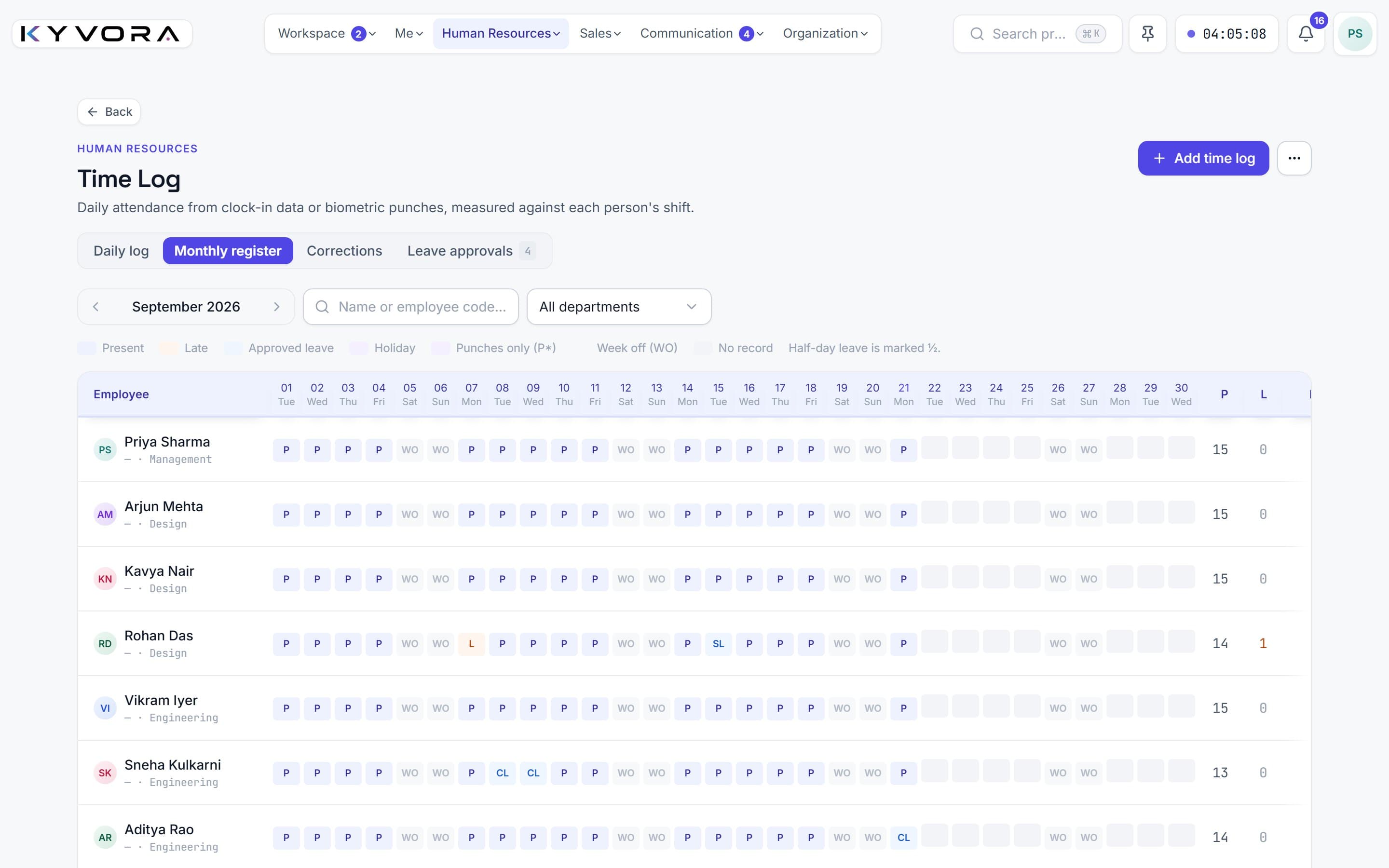
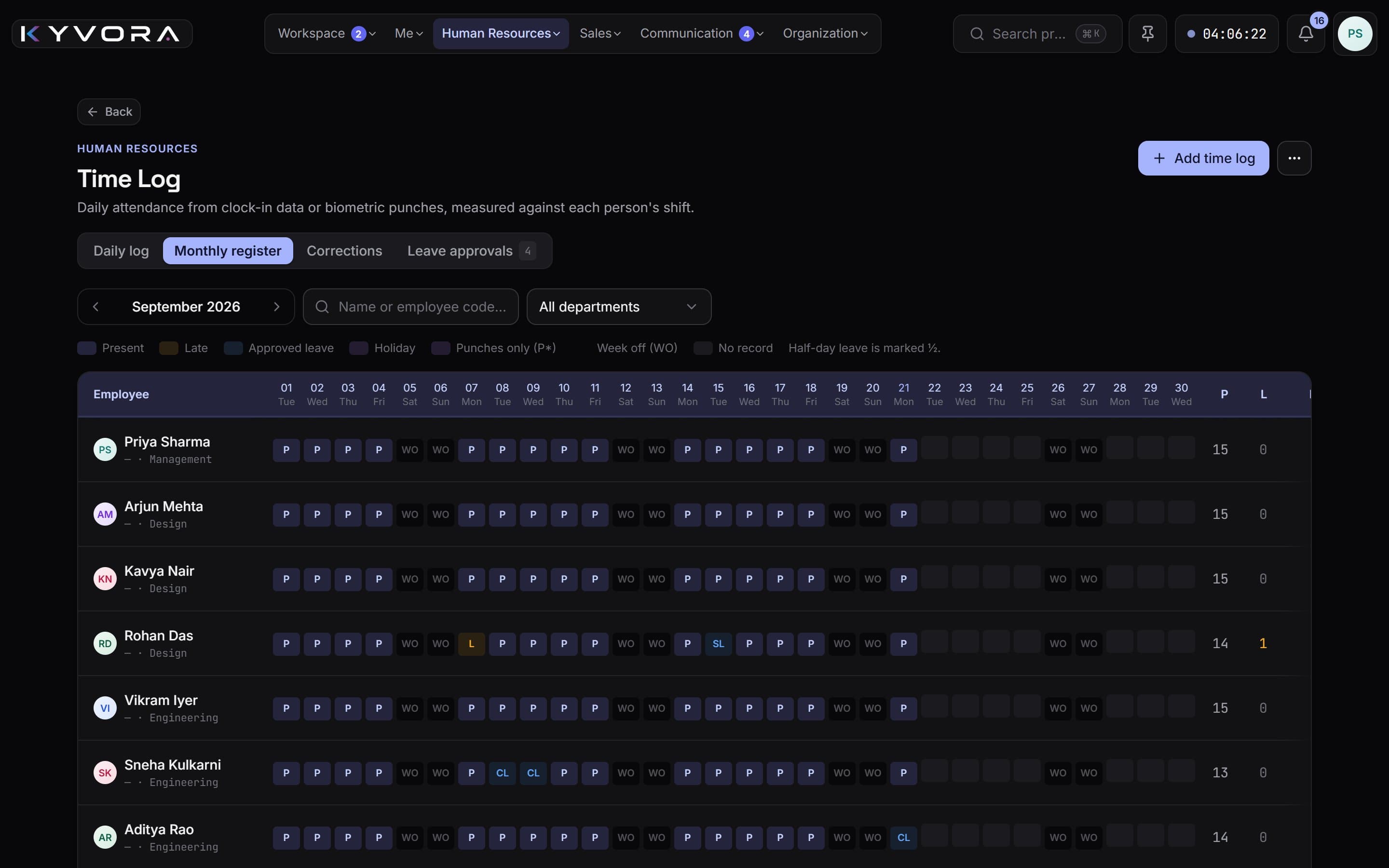
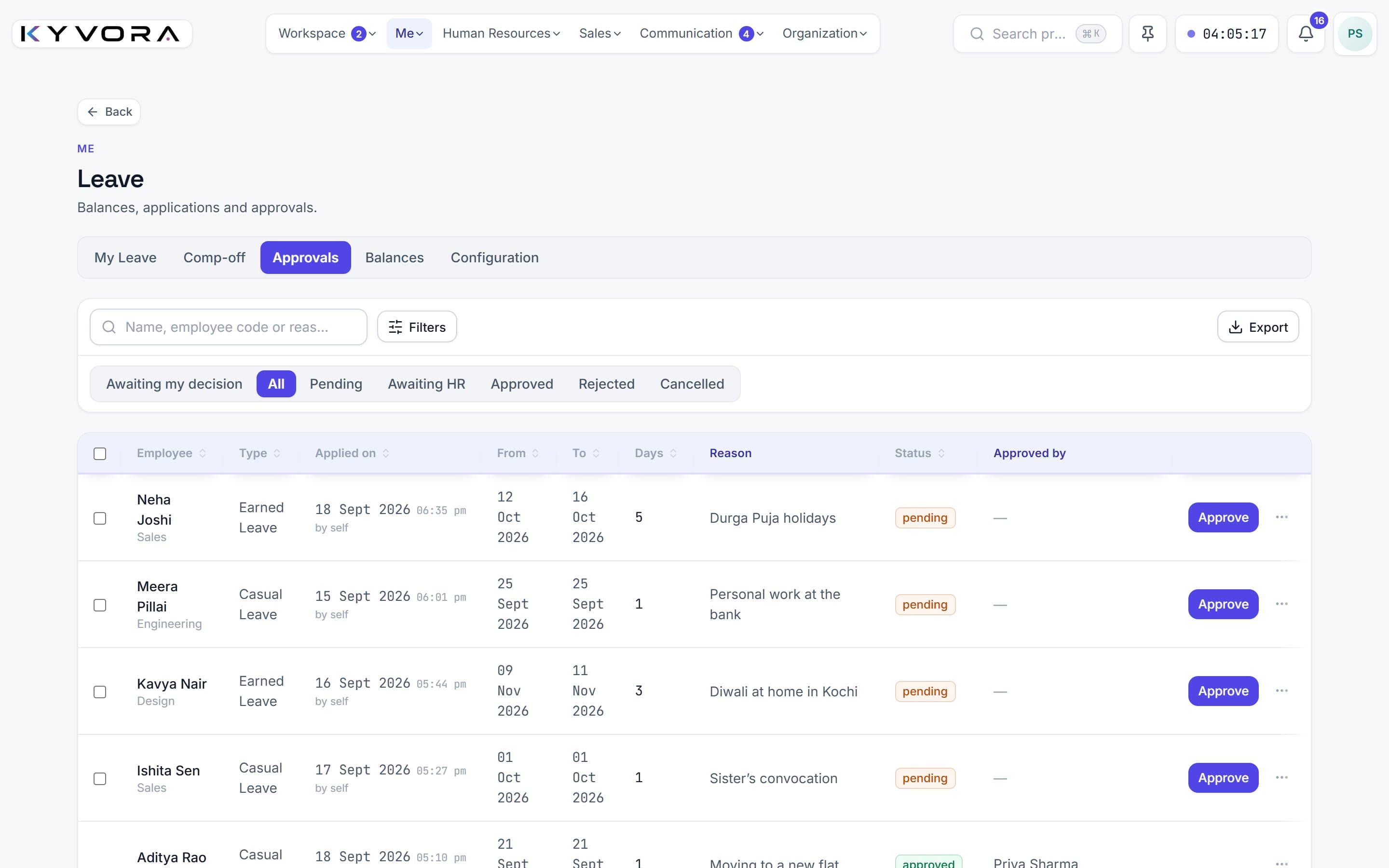
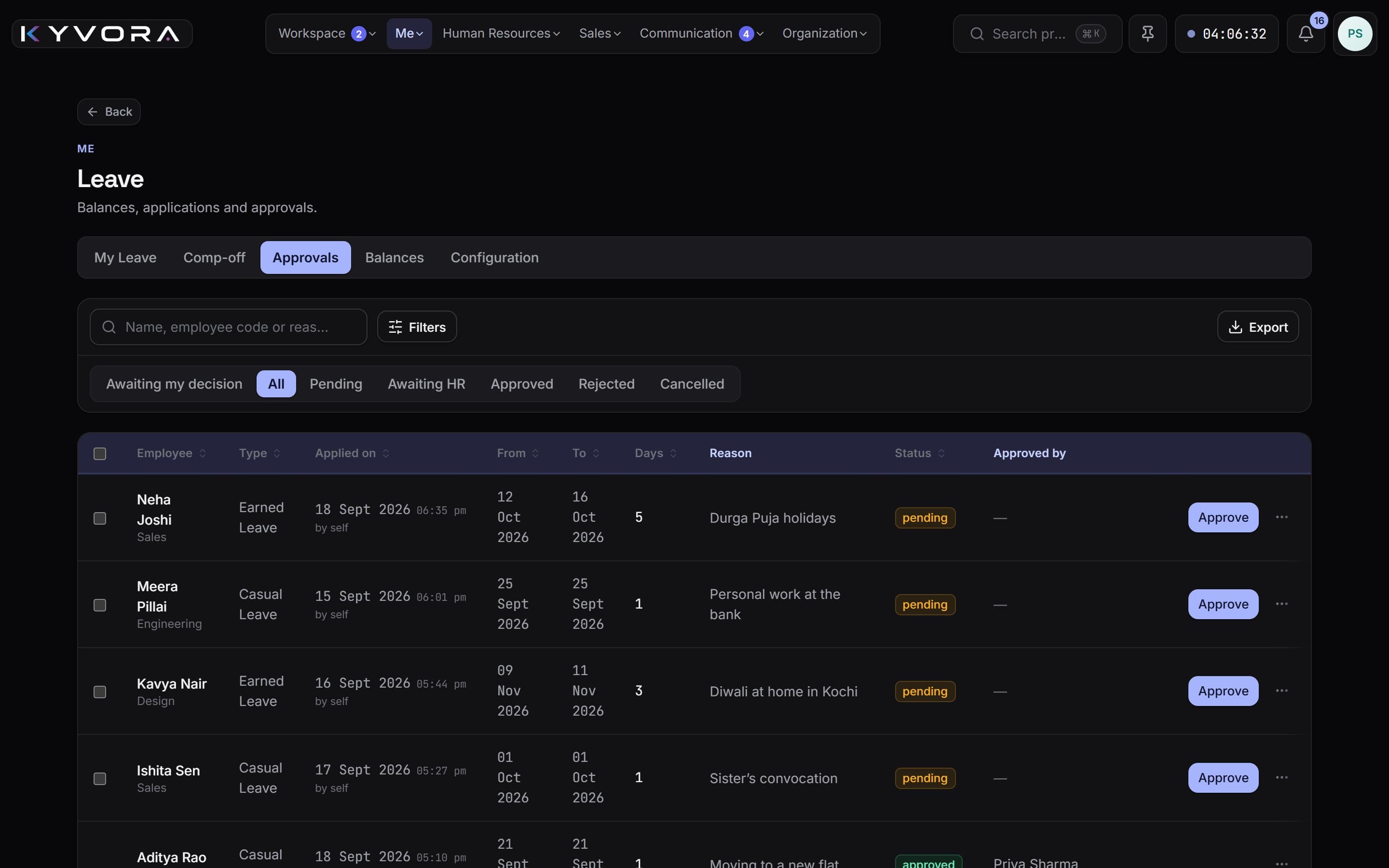
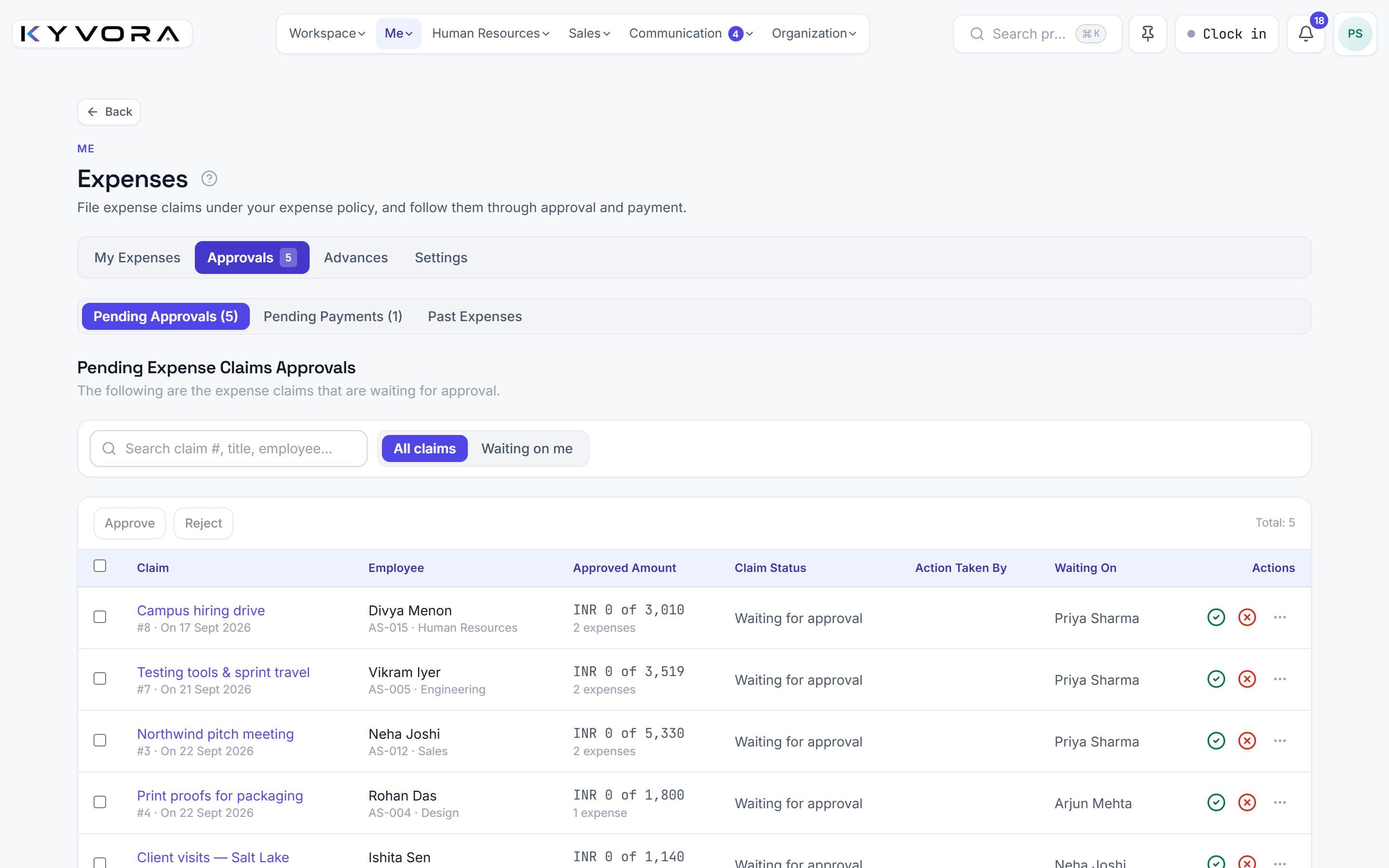
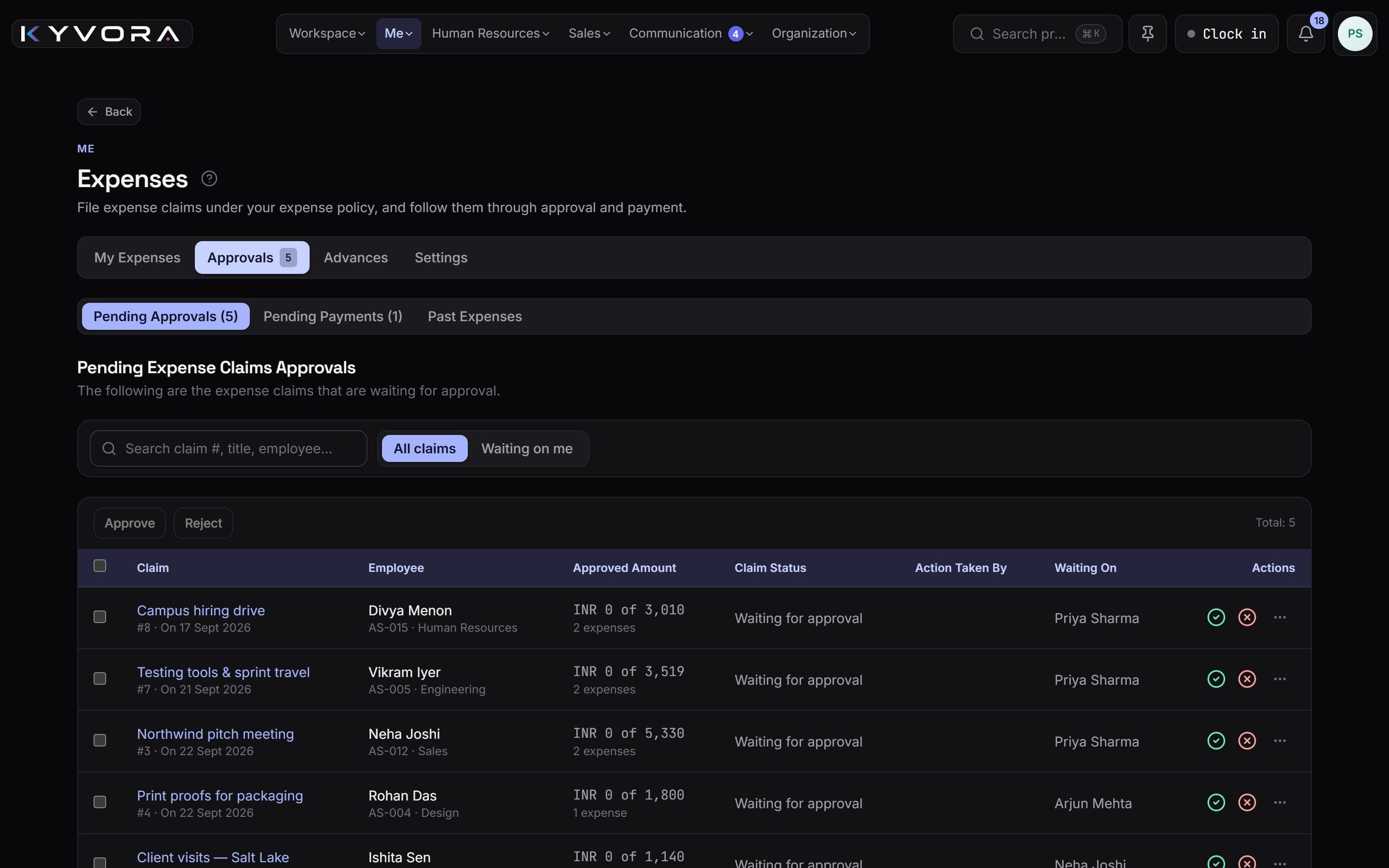
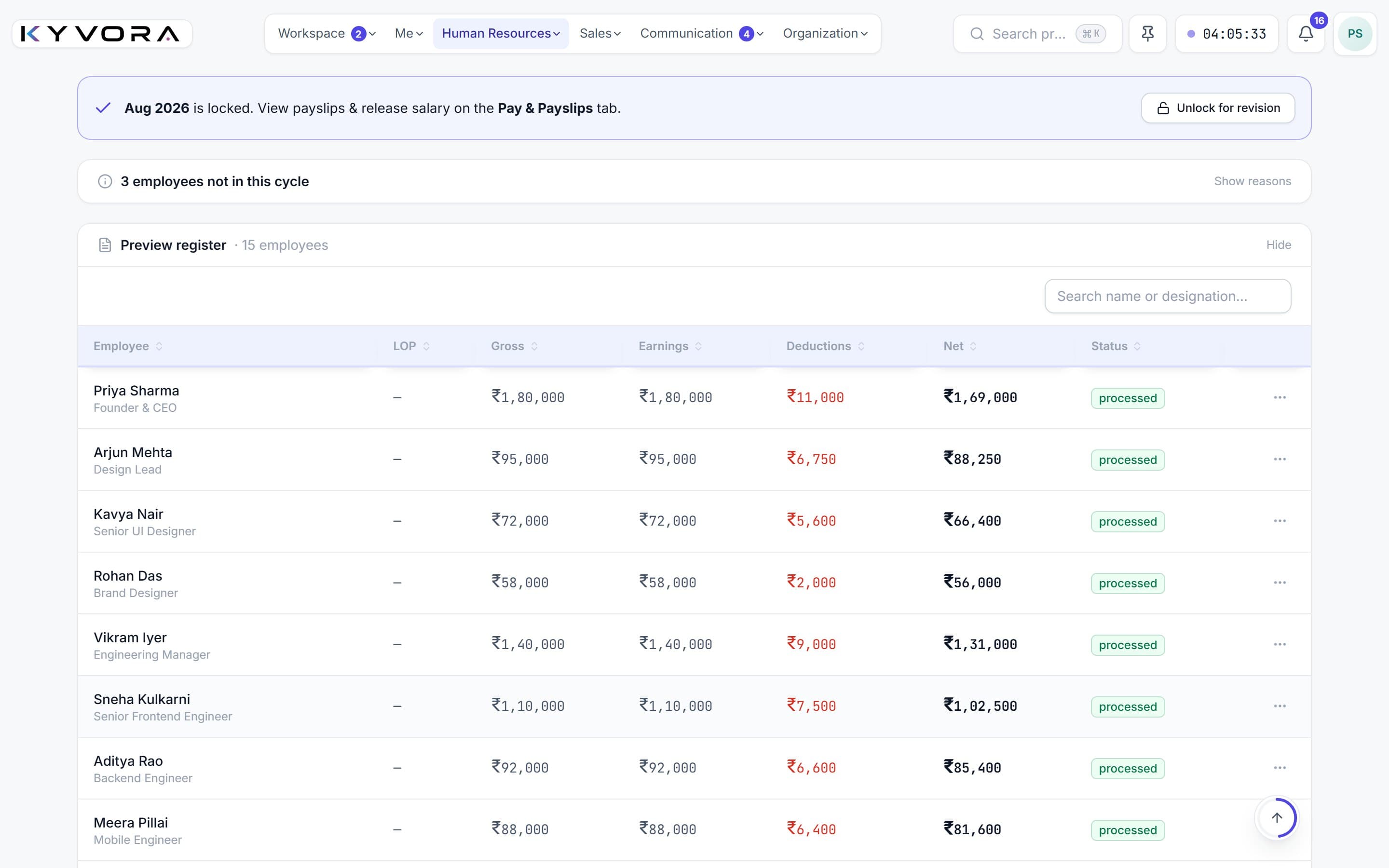
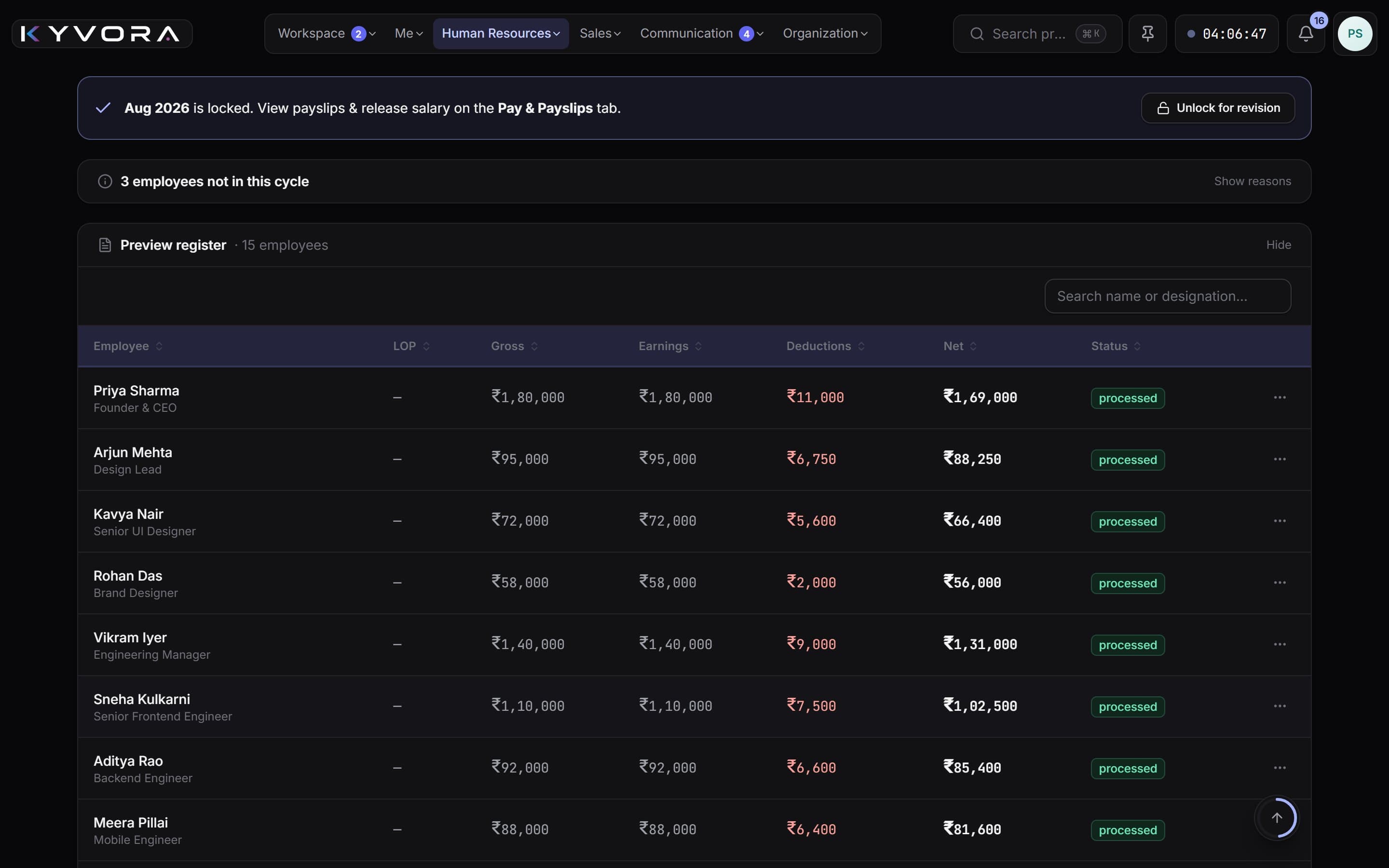
Real screens from a demo workspace, with made-up people.
One platform. Not ten tools.
- Projects, tasks & time tracking
- Chat & calls
- Attendance, shifts & leave
- Payroll & payslips
- Expenses & claims
- Hiring, onboarding, exits & growth
- Performance & KRAs
- Letters & e-signature
- Screen monitoring & desktop app
- Call recordings, transcripts & meeting notes
- Leads, dialer & campaigns
- Client health
- WhatsApp inbox
- Webmail
- Your own domain
- People, departments & roles
- Dashboard, feed & announcements
- Calendar & files
A closer look
Three things every services team fights with.
Where the hours went, what everyone is owed, and what was decided on that call. Kyvora answers all three without anybody chasing a spreadsheet.
01 Projects & time
Know where the hours actually went.
Every task carries its own timer, so billable time is recorded as the work happens instead of being remembered on Friday afternoon. Budgets update themselves as the hours land.
- Boards, lists and deadlines
- Timers on every task
- Budget vs. actual, live
- Bugs and QA in the same flow
In progress
Landing page build
Client feedback round 2
In review
Brand guidelines v3
Done
Kickoff deck
02 Attendance to payslip
One line from clock-in to payslip.
Shifts, late marks and approved leave feed the payroll run directly. PF, ESI, professional tax and LWF come out of each person’s salary structure — no second spreadsheet to reconcile.
- Shifts, week-offs and overtime
- Leave balances that add up
- PF · ESI · PT · LWF worked out
- Payslips your team downloads
Net payable
₹18,42,700
Payslips release to everyone in one click
03 Chat, calls & notes
Decisions that survive the meeting.
Team and project chat with video calls built in. Record a meeting and it comes back as a transcript and written notes — decisions, owners and next steps — kept beside the project it belongs to.
- Project and department channels
- Video calls and screen share
- Recordings with transcripts
- Notes with owners and decisions
Client approved the new estimate 🎉
Logging it against the retainer now.
Meeting notes ready
3 decisions · 5 action items, each with an owner — written up from the recording.
Everything in one workspace
One clear view of how work moves.
15 connected product areas replace the patchwork. Every team has what it needs, and leaders see it all in one place.
Projects, tasks & time tracking
Boards, deadlines, timers and budgets in one view.
Every plan
Chat & calls
Team and project chat, video meetings and screen share.
Every plan
Attendance, shifts & leave
Clock-ins, shifts, late marks and leave approvals.
Every plan
Payroll & payslips
Monthly runs with PF, ESI and PT, payslips released.
Growth and up
Expenses & claims
Claims with receipts and policies, approved and paid.
Every plan
Hiring, onboarding, exits & growth
Candidates, onboarding, probation, exits and settlement.
Growth and up
Performance & KRAs
KRA sheets, self and manager reviews, improvement plans.
Growth and up
Letters & e-signature
Letters from templates, signed online in order.
Every plan
Screen monitoring & desktop app
Work-session insight with a desktop app, by consent.
Enterprise plan
Call recordings, transcripts & meeting notes
Meeting recordings with transcripts and written notes.
Growth and up
Leads, dialer & campaigns
Leads, a calling dialer and outbound campaigns.
Enterprise plan
Client health
See which accounts need attention before they slip.
Growth and up
WhatsApp inbox
Customer WhatsApp threads inside the workspace.
Growth and up
Webmail
Your mailbox next to the work it belongs to.
Every plan
Your own domain
Run the workspace on an address you already own.
Enterprise plan
Plans & pricingSee what each plan includes.Also in every plan: People, departments & roles · Dashboard, feed & announcements · Calendar & files
Getting started
Up and running the same day.
- 1
Create your workspace
Tell us your company name and pick an address. No card, no sales call.
- 2
It’s live in about a minute
Your company gets its own private workspace at its own address.
yourcompany.kyvora.solutions - 3
Invite your team
Add people, departments and shifts, then subscribe whenever it fits.
Built to be trusted
Your company's data, kept your way.
Your own database
Each company is stored separately — never mixed into a shared table.
Backed up every night
Copies are kept off-site, and restoring them is tested weekly.
You decide who sees what
Permissions run department by department, right down to salaries.
No lock-in
Month to month. Export your records to spreadsheets whenever you like.
Before you ask
The questions we get every time.
Do we have to move everything on day one?
No. Most teams start with projects and chat, then switch attendance and payroll on at the start of a month. Each area works on its own, so you can adopt them in whatever order suits you.
Where does our data live, and who can see it?
Your company gets its own database and its own file storage, separate from every other company on Kyvora. Inside your workspace you decide who sees what, department by department — salaries, for instance, stay with HR unless you say otherwise.
Is screen monitoring forced on staff?
No — it is off until your company turns it on. In the browser, screen capture only starts after a consent screen at clock-in and stops at clock-out. Everyone can see their own activity data, and the desktop app counts keystrokes and clicks rather than recording what anyone types.
What happens when the trial ends?
Nothing is deleted. The workspace locks until you pick a plan, and everything is exactly where you left it the moment you subscribe.
Can we leave and take our data with us?
Yes. There is no contract beyond the month you are in, and you can export your records — people, attendance, leave, payroll registers, expenses, tasks — to spreadsheets whenever you like.
Does payroll handle Indian statutory rules?
Yes. PF, ESI, professional tax and labour welfare fund are worked out from each person’s salary structure, TDS is deducted at the rate you set (with per-person overrides), and your team downloads their own payslips.
Free trial
Try it with your team, free.
Set up your workspace today. When the trial ends, plans start at ₹999 a month.
14 days
Free trial
10
Employees during the trial
No card
Needed to start